How to Add Shortcut to Google Chrome Homepage
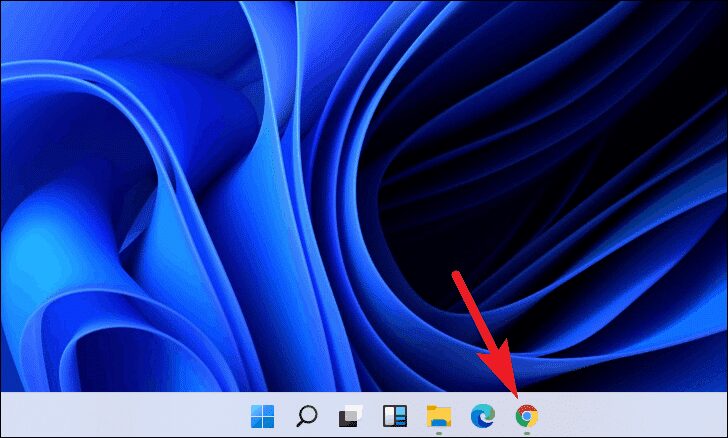
Do you find typing web addresses boring? Learn how to add shortcuts to the Google Chrome homepage and keep your favorite websites just a click away! We all have websites that we tend to visit far too frequently, and the difficulty of typing the website address over and over again is more boring than exhausting. … Read more
How to Delete Files on Windows 11

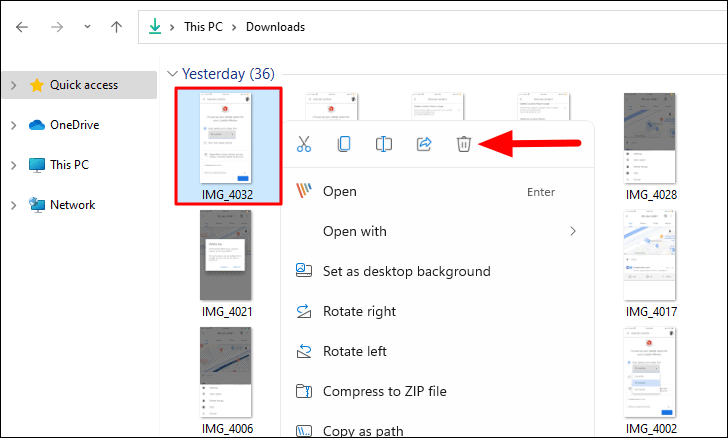
Everything there is to know about deleting files, recovering them and emptying the trash in Windows 11. Windows 11 is the latest iteration from Microsoft that boasts of a user-friendly interface. Opinions can be divided as to whether this is the case, but one thing we will all agree on is that there has been … Read more

How to Cut, Copy and Paste Files in Windows 11

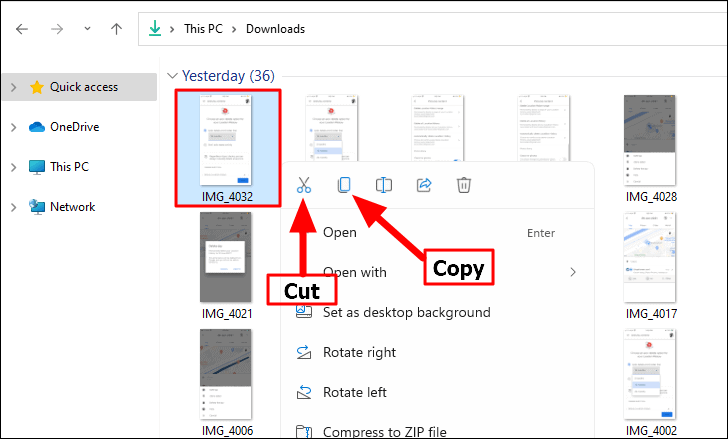
Confused About New File Explorer on Windows 11? Find out how to cut, copy and paste files / folders in Windows 11 using the new menu items. With each new iteration of Windows, a plethora of new features are introduced and some of the old ones are either changed or removed. It’s pretty much the … Read more

How to Install Windows 11 from USB

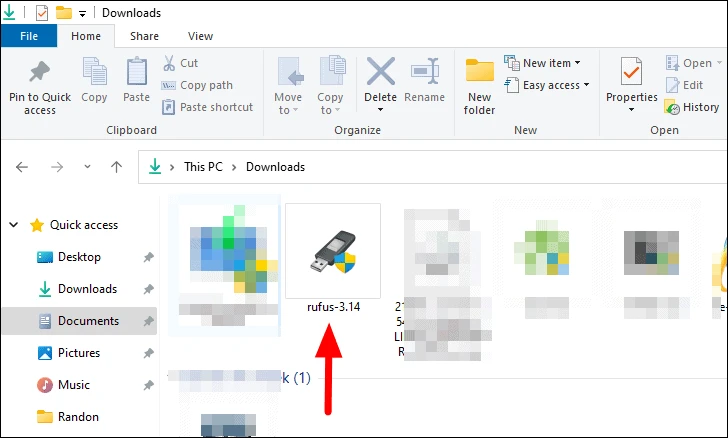
Installing Windows 11 from a USB drive is easier than it looks. Here is a complete step-by-step guide to getting Windows 11 running on your computer. Windows 11 has created a lot of buzz among tech enthusiasts. It has an attractive interface coupled with a bunch of user-friendly features. If you’re planning to upgrade to … Read more

How to Mount an ISO File on Windows 11?

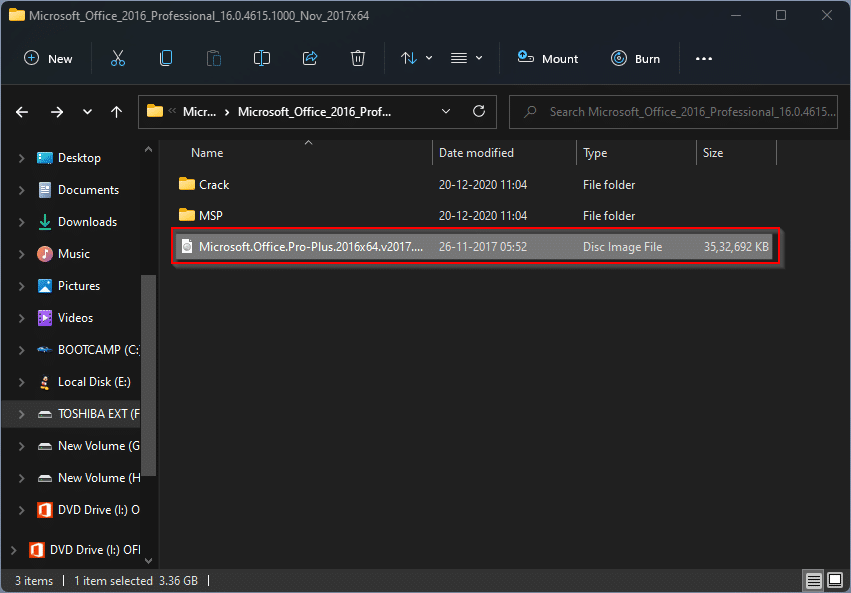
How do I mount an ISO file on Windows 11? Starting with Windows 8, Microsoft offers an integrated tool for mounting ISO files on a virtual CD / DVD drive. This ISO mounting function is available on Windows 10 and even Windows 11. However, if you’re still using Windows 7, you’ll need a third-party tool … Read more

How to Activate a Copy of Windows 11 for Free?

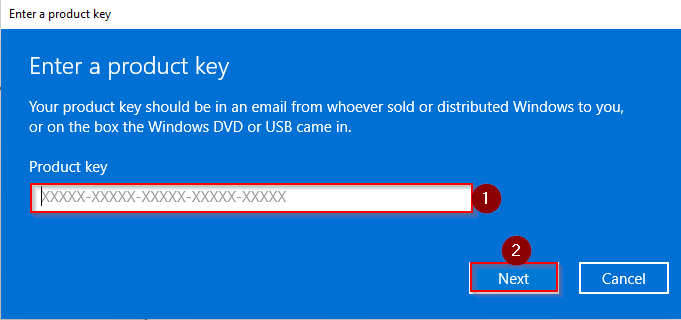
If you’ve installed a leaked build of Windows 11 OS or downloaded the original copy from Microsoft’s website, you can install it on your PC without entering the product key. However, you will need to activate the copy of Windows 11 later. If you’re using an original copy of Windows 10, you can use the … Read more

How to turn on the UWP File Explorer on Windows 11?

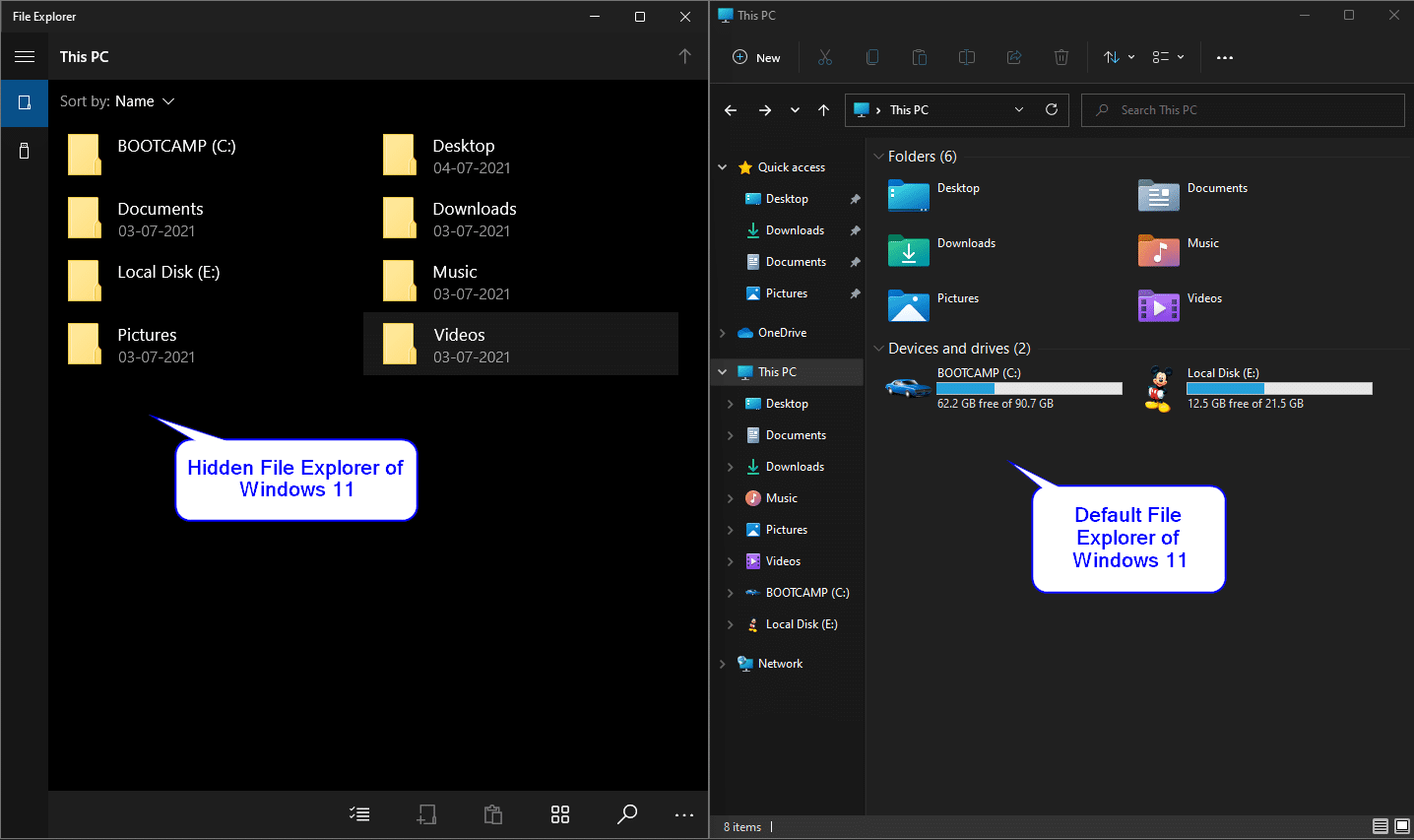
Microsoft has made major improvements to the Windows 11 operating system, especially the GUI. It comes with a hidden file explorer based on the Universal Windows Platform (UWP). It’s a touch-optimized app that could replace the classic file explorer in the future. However, UWP File Explorer is hidden from ordinary users, but you can access … Read more