How to Permanently Activate Windows 11 for Free & Without Key

After a seemingly long wait, Microsoft has finally released what is known as the “next generation of Windows”. Windows 11 is a major change. It represents a fundamental change in the way Microsoft delivers Windows, but it’s also a fundamental overhaul of the user experience. Most importantly, you should check compatibility with a new Android … Read more

How to Install Guest Additions to Windows 11 in VirtualBox?

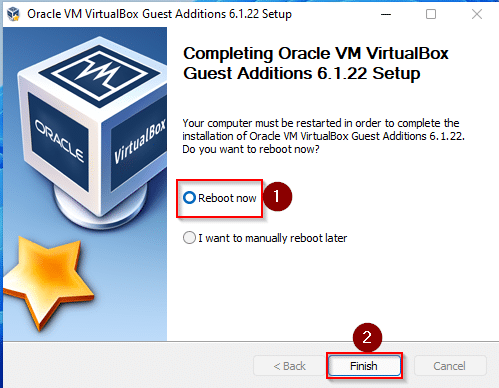
You can install Windows 11 on a VirtualBox by bypassing Secure Boot and TPM 2.0. After installing Windows 11 on a virtual machine, you need to install VirtualBox Guest Additions to run it smoothly. Guest Additions is installed on your computer’s guest system, which contains device drivers and system applications to optimize your computer’s performance. … Read more

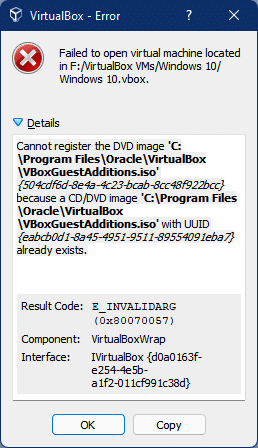
Resolved: VirtualBox Cannot register the DVD image

I recently upgraded our Windows 10 virtual machine to Windows 11 and then moved it to another drive due to the storage problem. Now when I try to run Windows 11 on a virtual machine, it refuses to start. You can read the full error in the following figure: “The DVD image ‘VBoxGuestAdditions.iso cannot be … Read more

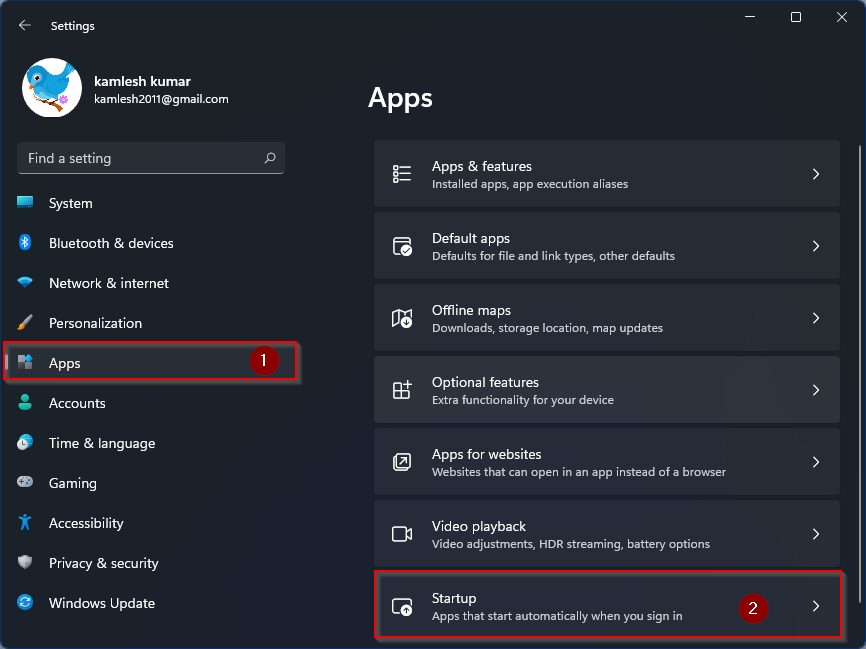
How to Enable or Disable Startup Programs in Windows 11?

How do I disable startup programs or apps in Windows 11? Computer rules are so simple; the The more software you install on your PC, the longer Windows will take to start. Why? Many Windows programs add themselves to the list of startup apps, which means that startup programs will automatically start with them when … Read more

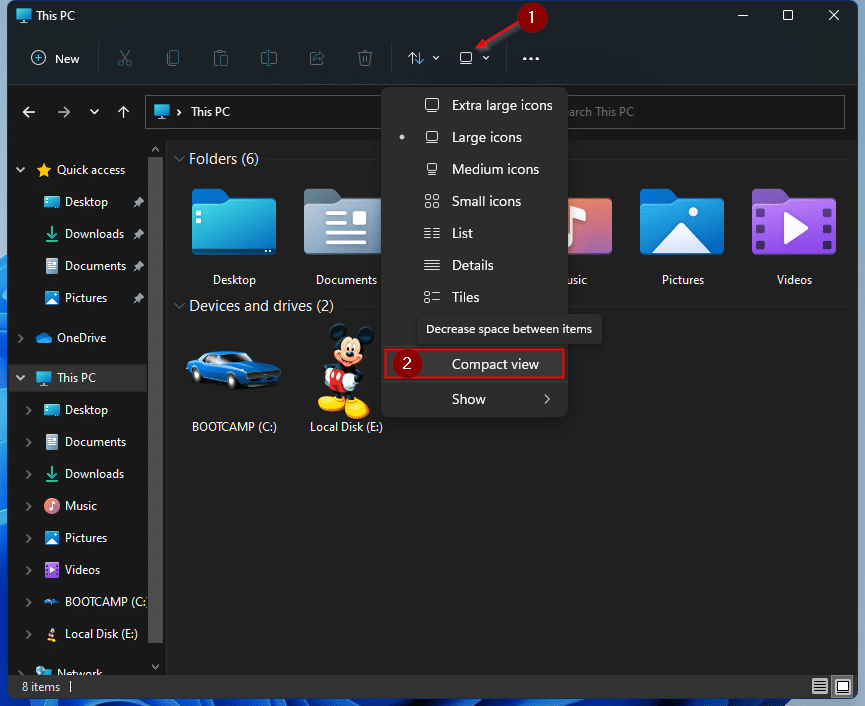
How to Get Windows 10’s File Explorer in Windows 11?

Windows 11 was announced by Microsoft and people have started testing it on a virtual machine. Due to Microsoft’s TPM 2.0 and Secure Boot restrictions, you cannot install Windows 11 on a virtual machine like you did before for Windows 10. So, once you’ve downloaded the Windows 11 ISO file, you need to remove the … Read more

How to Move Windows 11 Taskbar (Start) to Left Side

Not comfortable with Windows 11’s focused taskbar? Well, you can left align taskbar on Windows 11 and go back to where it is! The taskbar is one of the crucial components of the Windows operating system, as it provides access to the Start menu, Cortana, pinned apps, quick settings, calendar, and notification center. The capabilities … Read more