How to Automatically Show or Hide Windows 11 Taskbar?

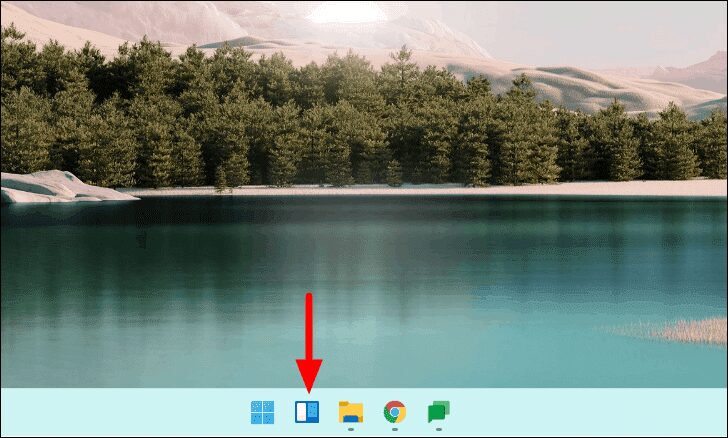
How do I hide the Windows 11 taskbar? Would you like to hide the Windows 11 taskbar automatically? Similar to Windows 10’s auto-hide taskbar feature, Windows 11 also has an auto-hide feature. It’s buried under the Settings app, however, and you’ll need to dig it up. Auto-hide is a handy feature of the Windows 11 … Read more

How to Open Settings in Windows 11?

How do I open Settings in Windows 11? The Settings app was introduced on Windows 10 and has now improved a lot and is also available in Windows 11. This Gearupwindows article will walk you through several different ways to access the Settings app in Windows 11. The Settings app is the main program in … Read more

How to Display Weather info in Windows 11 Taskbar?

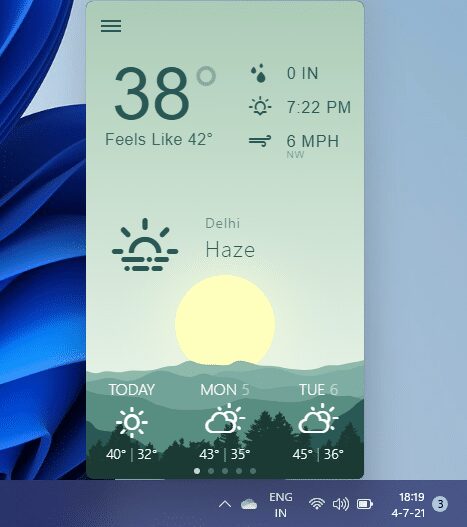
Microsoft introduced the “News and Interests” feature in Windows 10, which displays weather information by hovering the mouse over the icon in the system tray. A similar feature is also available on Windows 11, but Microsoft names widgets that you can open by clicking the appropriate icon in the system tray. We can say Windows … Read more

How to Shut down or Restart Windows 11 PC?

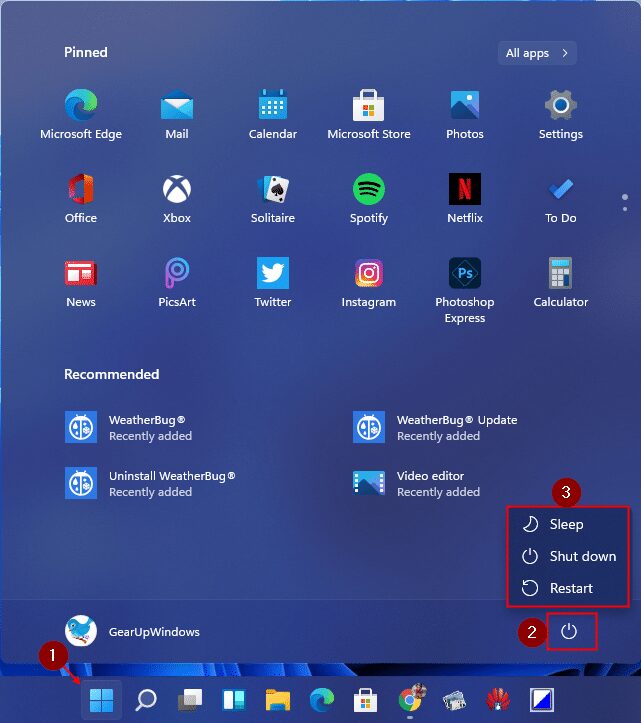
How can I shut down or restart my Windows 11 PC? Many visual improvements have been made in Windows 11 by Microsoft. When you install Windows 11 on your PC, you’ll see the new Start menu, taskbar, settings, and more. The start menu on Windows 11 still maintains the power menu for your PC. Using … Read more

How to Enable or Disable Windows Sandbox on Windows 11?

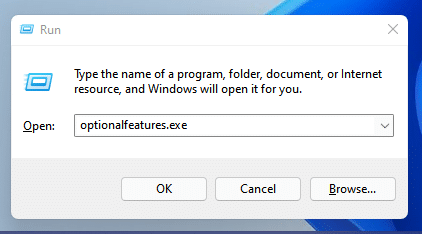
The Windows Sandbox feature was first introduced in Windows 10 and is still part of Windows 11. This is a useful feature for isolated environments. It’s like a virtual machine using Microsoft’s hypervisor and hardware virtualization to run a separate kernel to isolate a Windows sandbox session from the host. It’s about 100MB in size … Read more

How to Add or Remove Widgets in Windows 11

Windows 11 comes with a handful of new widgets. Here’s how to access them, add or remove them, customize them, resize them, and rearrange them. Windows 11 introduced a “Widgets” panel which brings you a wealth of information from various sources and applications. You can access the Widgets panel from the taskbar icon or by … Read more

How to Use Volume Mixer in Windows 11

The fastest way to use Volume Mixer in Windows 11 There may still be time for the public version of Windows 11, but the former have already got their hands on it because insider previews are already available. People may still be deciding their opinion on the operating system, but almost everyone can agree on … Read more