How to Check Build and Version Number on Windows 11/10?

Microsoft is constantly updating the Windows 10 and Windows 11 operating systems with the latest security patches and new features. So it is very important to update your Windows as soon as an update is available from the Microsoft server. Microsoft continues to push the updates; However, it is also possible to manually check for … Read more

How to Enable Built-in Administrator Account in Windows 11?

With the introduction of Windows Vista, Microsoft disabled the administrator account that was integrated by default. This means that the administrator account will still be available but hidden. That means you can’t use it without activating it. If you make important changes to your PC using an administrator account, Windows will still ask you to … Read more

How to Show, Hide or Resize Desktop Icons in Windows 11?

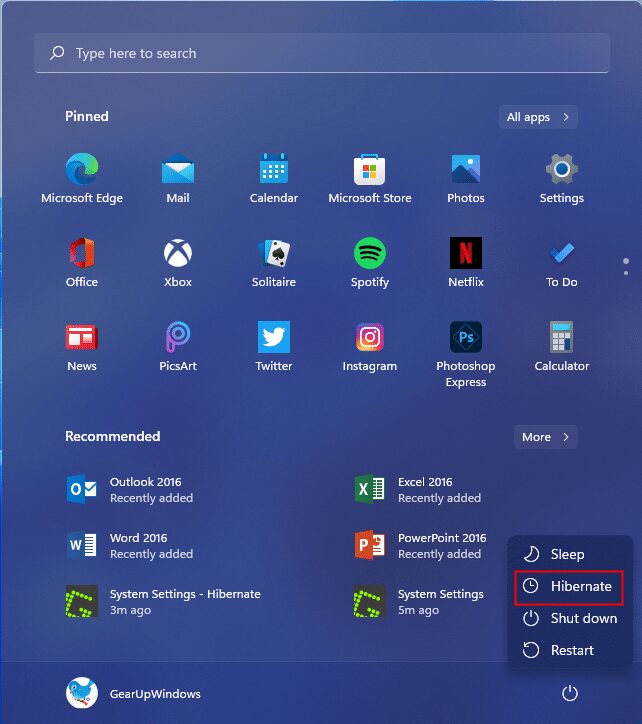
Several adjustments are possible under Windows 11. You can create your own shutdown, restart, hibernation, and hibernation shortcut icons. Windows 11 lets you show or hide notification badges on the system tray. You can turn on night light for warmer colors. Also, enable and add Hibernate to the Start menu in Windows 11. All of … Read more

How to open Task Manager in Windows 11?

With predecessors to Windows 11 (including Windows 10, 8, and 7), opening Task Manager is an easy task. Just right click on the system tray and select the Task Manager option to launch it. Aside from providing a shortcut to Task Manager, the taskbar context menu offers a few more options, such as: B. the … Read more